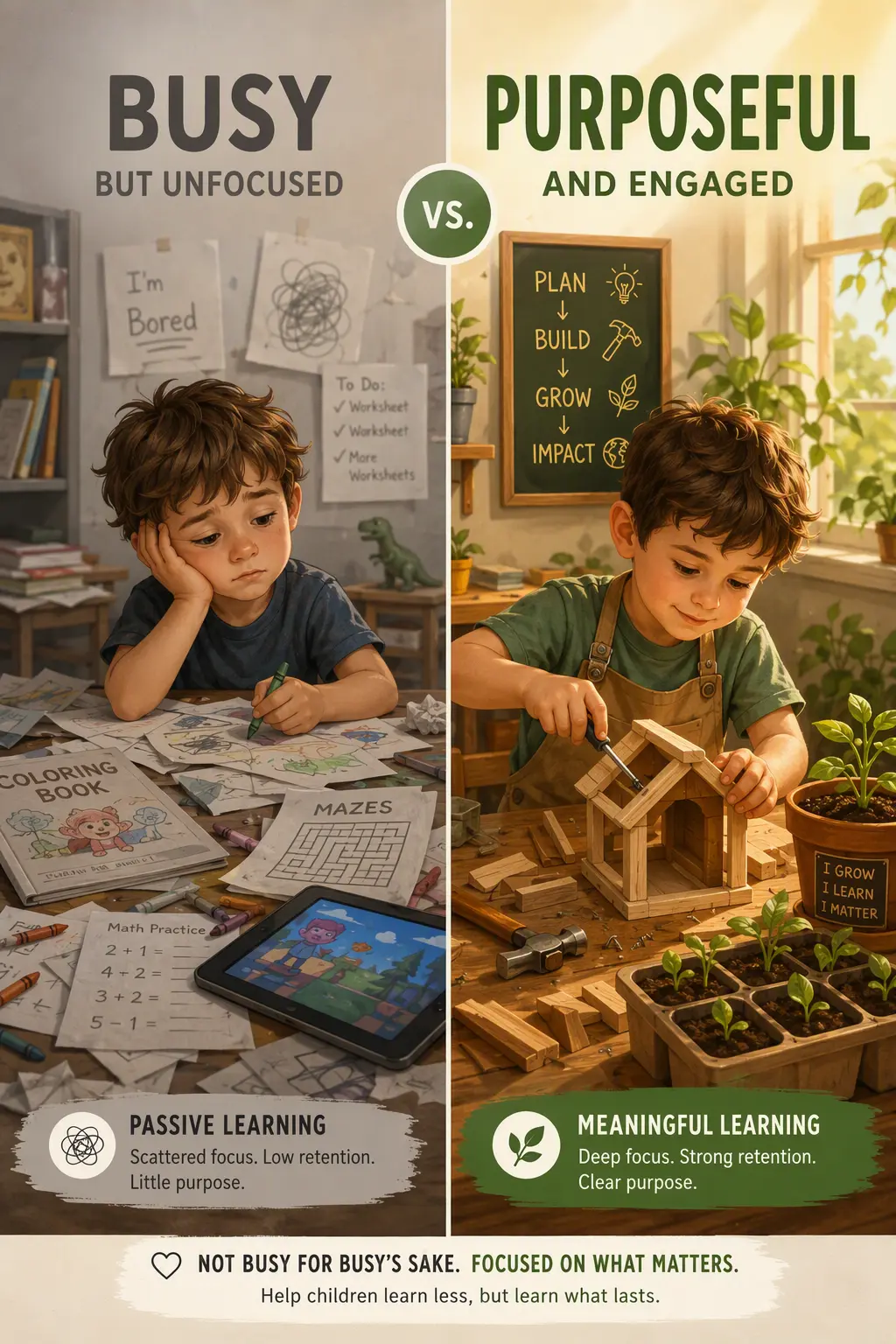
How Calm, Ad-Free Learning Apps Can Reduce Frustration During Early Screen Use

For a young child who uses screens, a calm, ad-free educational app can make digital time easier to understand and less emotionally demanding. The practical benefit is not simply fewer distractions: it is a more predictable experience in which a child can concentrate on one activity, recover from mistakes, and finish without being pulled toward unrelated videos, games, or purchases.
Young children are still learning how to manage big reactions
Preschool and early-primary children are developing skills such as waiting, shifting attention, handling disappointment, and asking for help. These skills do not appear all at once. A screen experience that suddenly changes direction, interrupts play, or makes a tempting offer can be hard for a child to process, particularly when they are absorbed in an activity.
Calm educational design gives children fewer unexpected events to manage. When the activity stays focused on matching, counting, letter sounds, problem-solving, or another clear task, the child can put their energy into learning rather than repeatedly deciding what to ignore. This is especially useful for children who become upset when an activity ends abruptly or who find it difficult to move on after exciting content.
The American Academy of Pediatrics notes that young children learn best when media is intentional, appropriate for their developmental stage, and used in a way that supports interaction and healthy routines. Choosing a focused app is one concrete way to make that intention visible in everyday screen use.
Advertising adds choices that are not part of the lesson
An advertisement is designed to capture attention. For an adult, closing or ignoring it may take only a moment. For a young child, a bright image, familiar character, countdown, or animated button can become the most memorable part of the session. It may also lead to requests for a new game, a video platform, or an in-app purchase that was never part of the family’s plan.
In an ad-free app, the child does not need to distinguish between learning content and a sales message. That creates a clearer boundary: the device is being used for the selected activity, and the activity is not interrupted to persuade the child to click somewhere else.
- There are no promotional pop-ups to close.
- There are no links that lead away from the planned activity.
- There are no purchase prompts placed in the middle of play.
- There is less pressure on a child to choose between one more tempting option and another.
This simplicity can also help adults. A parent or caregiver can sit nearby, prepare dinner, or support a sibling without needing to check whether a lesson has turned into an advert or a different type of content.
Predictable activities help children practise persistence
Learning includes getting answers wrong, trying another approach, and noticing progress. Children are more likely to practise these habits when an app responds in a steady, understandable way. For example, if a child is sorting shapes and puts a triangle in the wrong place, useful feedback might encourage another try rather than adding loud effects, changing the game, or sending the child to a new screen.
A calm format supports small, repeatable successes. Eddie The Educated Emu can be part of this kind of experience: a child can return to familiar educational activities, build confidence through repetition, and explore at a pace that feels manageable. Familiarity matters because children often learn by revisiting the same skill many times before they can use it independently.
Look for digital activities that make the next step easy to understand. A good early-learning task generally has one clear goal, simple directions, and feedback connected to the child’s action. When children know what they are trying to do, they have a better chance to persist instead of becoming overwhelmed.
Offline access keeps the experience within the family’s plan
Offline educational apps offer an additional practical advantage: they do not depend on an active internet connection to deliver the core activity. This can make screen use more dependable during travel, waiting rooms, powerfully distracting public places, or quiet time at home. It also helps separate a chosen learning activity from the endless stream of online recommendations and autoplay options.
Offline does not mean that every moment with a device is automatically beneficial. Children still need movement, conversation, sleep, hands-on play, and time outdoors. It does mean a family can choose a specific activity and offer it without opening the door to unrelated online content.
The National Association for the Education of Young Children recommends that technology use for young children be active, engaging, meaningful, socially interactive when possible, and connected to children’s learning. An offline app can support those aims when an adult chooses an appropriate activity and talks with the child about what they are doing.
Make calm digital learning work in daily life
A simple setup is often more effective than a complicated set of rules. Choose one or two offline, ad-free activities in advance, let the child know what they will do, and end after a natural stopping point such as completing a puzzle set or practising a group of letters. If possible, ask one or two questions afterwards: “Which shape was tricky?” or “Can you find something else that starts with that sound?”
- Download and test the app before handing over the device.
- Select one learning goal, such as colours, early numbers, or listening skills.
- Use a short, predictable session length that suits the child’s age and day.
- Keep the device in a shared space when practical.
- Connect the activity to off-screen play, books, drawing, or conversation.
A calm, ad-free app will not replace real-world learning, but it can make the screen time a child does have more focused, predictable, and easier to guide. Choose an offline BrightSHAPES activity with Eddie The Educated Emu, try it alongside your child first, and keep the parts that support their curiosity without adding unnecessary noise.
Sources: American Academy of Pediatrics, Media and Young Minds; NAEYC and Fred Rogers Center, Technology and Interactive Media as Tools in Early Childhood Programs.